Workstations & Databases

Download and Install the trs CLI

Copy the link for the current version of the Linux TRS CLI from the CLI Docs page https://precision.fda.gov/docs/cli. Open a Terminal in the Data Analysis notebook and download unpack the CLI.

-- Install trs CLI
wget https://trs-production-static-files.s3.amazonaws.com/cli/trs-linux-2.1.2.tar.gz
tar xf trs-linux-2.1.2.tar.gz 
mv trs /usr/bin/
trs –-version

Retrieve a CLI authorization key. Under My Home Assets, click on the How to create assets button to find links to the precisionFDA CLI, and the button to generate the temporary authorization key that you’ll use with the CLI.
alt text

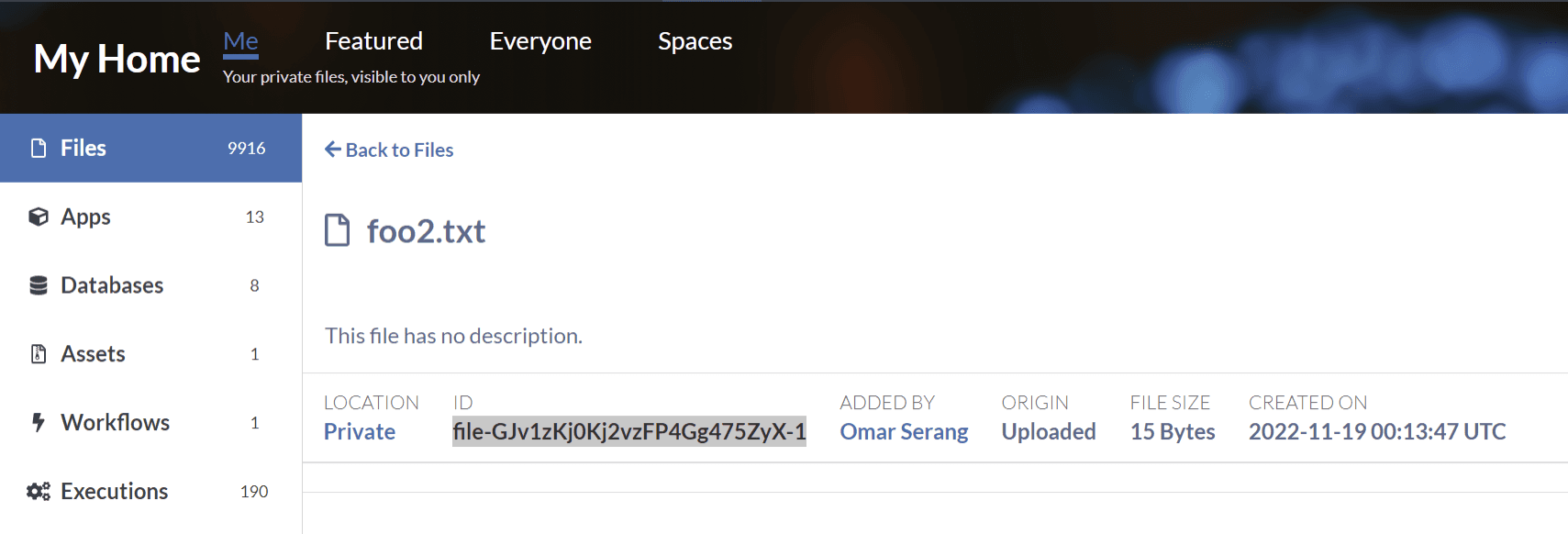
trs download -key Mk5VTENlTS83R2I1U3dXQkRnWEhzamJvVVFrTVZrOHA4STI4OTM0MitRWnNqZWVBSVRndlBicG1IUU9PeStjbTBLRXUzNW5rMmMrMjV6bGVhSnVTUlhDd2dEOVhRdUZvdmE1a29pcHdWWS92RGNyN1ljTlZtdnNjbE15RXVyVnl1Zkd3UUVxODZpYzNsWi9JWVVBcEw3VE5uaXdMSTdYNHNWVFJpZGJYdXlVa2hsRFFnR2dDc1JISzhuYWxla2JXLS1zVjRhSVBCWFdaRXBFWnBsMXNtSXB3PT0=--e19f53de7644d63dd3898717896a88bd0a383db6 -file-id file-GJv1zKj0Kj2vzFP4Gg475ZyX-1

Upload a file from the workstation local filesystem to precisionFDA (note the key is cached).
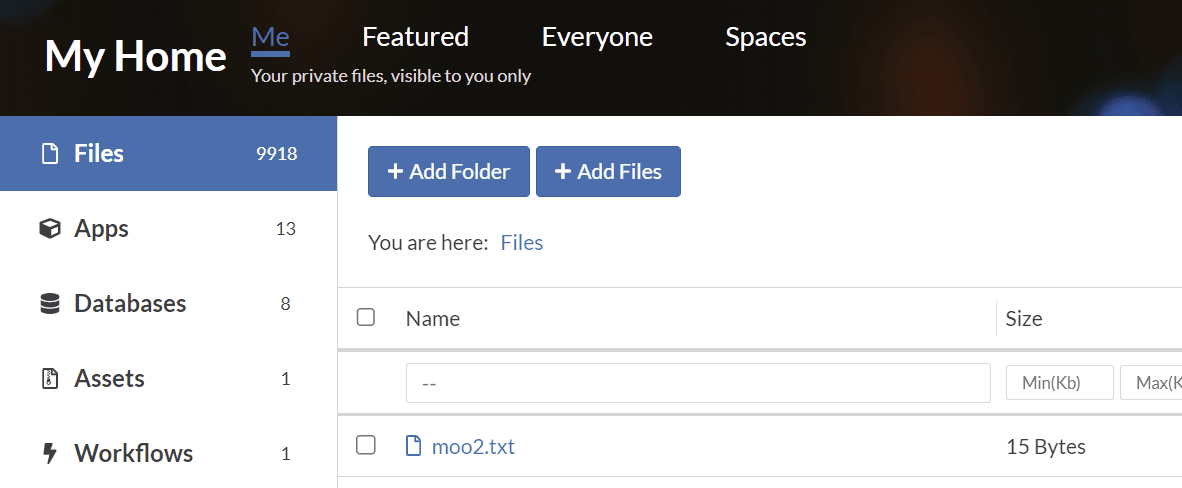
mv foo2.txt moo2.txt
trs upload-file -file moo2.txt

alt text