Download and Install the TRS Commons CLI
The TRS Commons CLI is useful for programmatic uploading and downloading of files from Windows, MacOS, and Linux clients (e.g. your laptop) to and from TRS Commons. Installation and testing for Windows and Linux OS are described below.
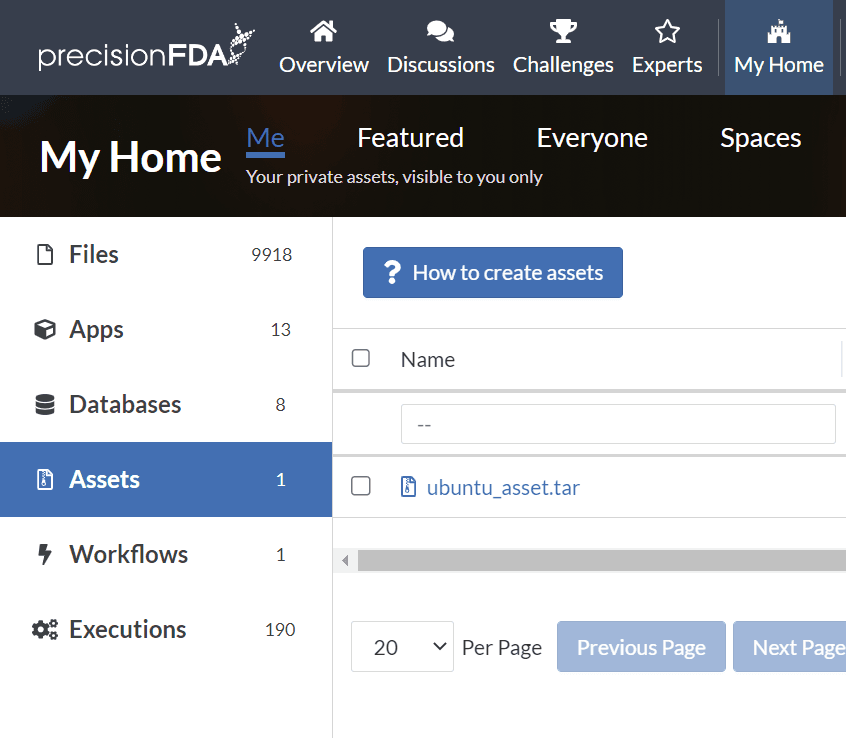
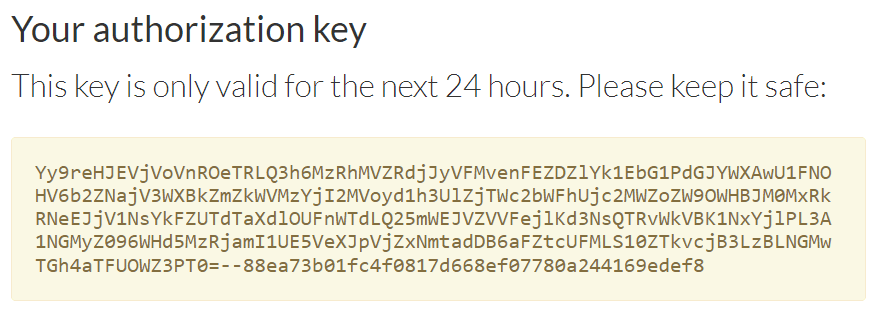
Under My Home Assets, click on the How to create assets button to find links to the TRS Commons CLI, and the button to generate the temporary authorization key that you'll use with the CLI.

Windows
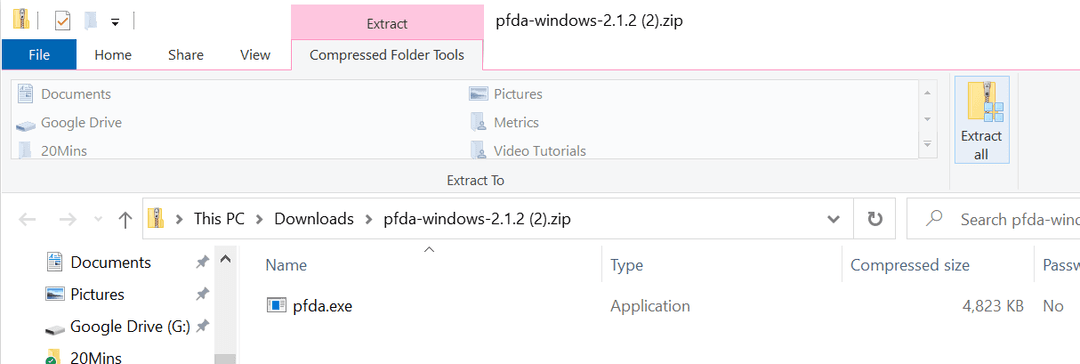
Click the Windows download button to place the zip file and double click it in the browser footer to open it.
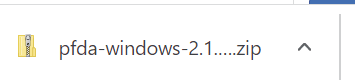
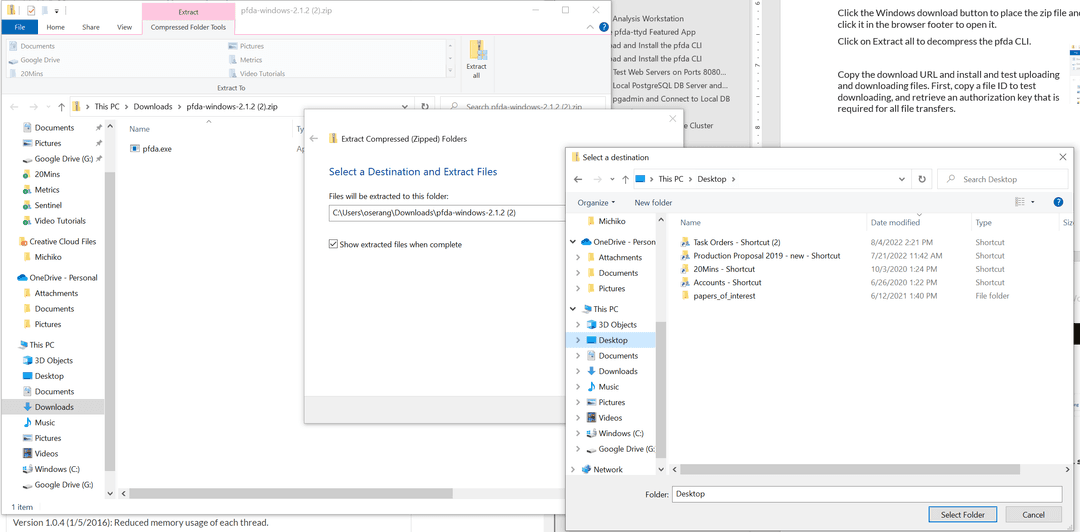
Click on Extract all to decompress the trs CLI and browse to select the Desktop as the destination for the trs.exe file. NOTE: On FDA laptops, you will need to install the trs.exe file in C:\temp\ or you will get a permissions error when trying to run it.
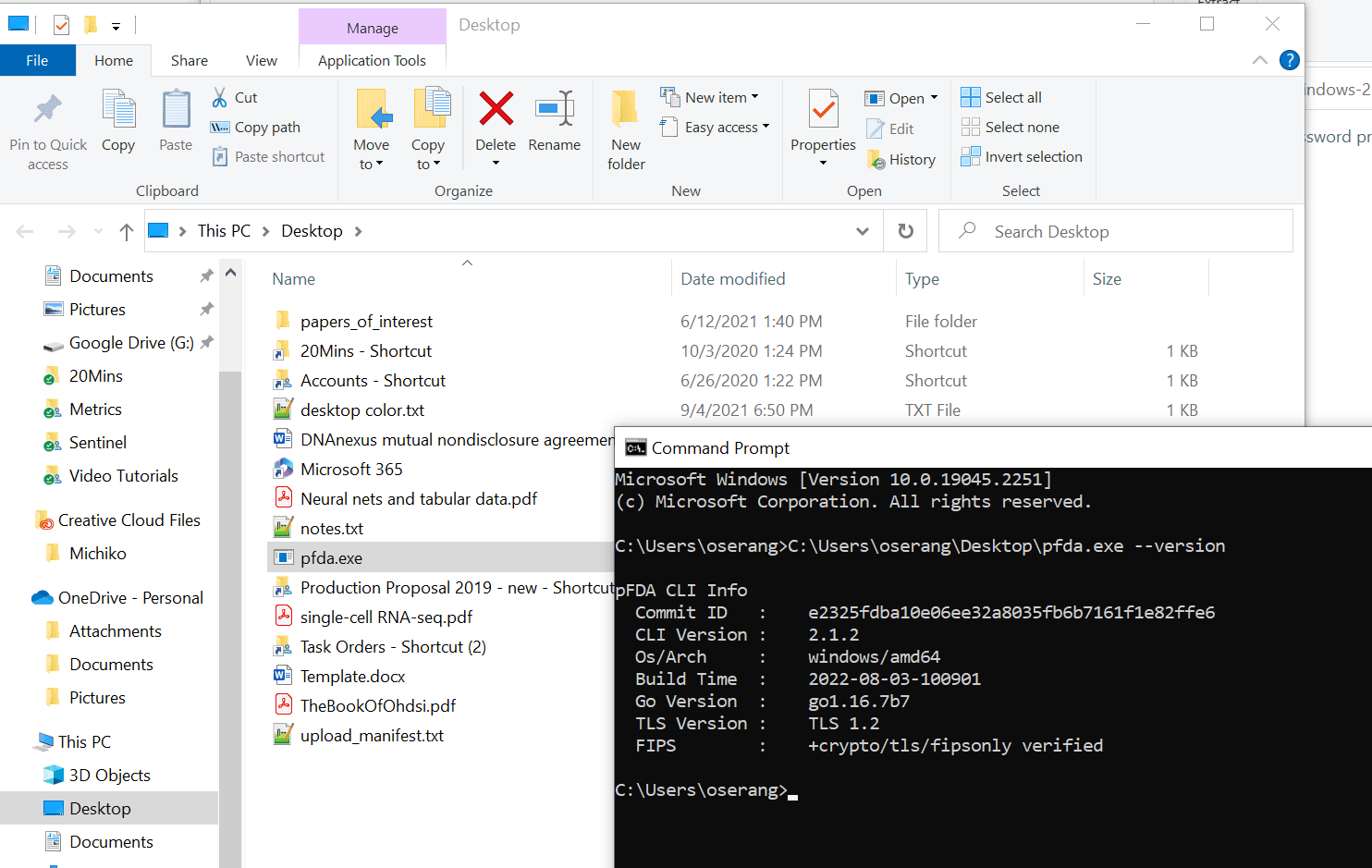
Using the Windows start menu, bring up a Command Prompt window with the trs.exe file visible in a file explorer side-by-side. Drag trs.exe onto the Command Prompt window to expand the full path the executable and add --version and hit return.
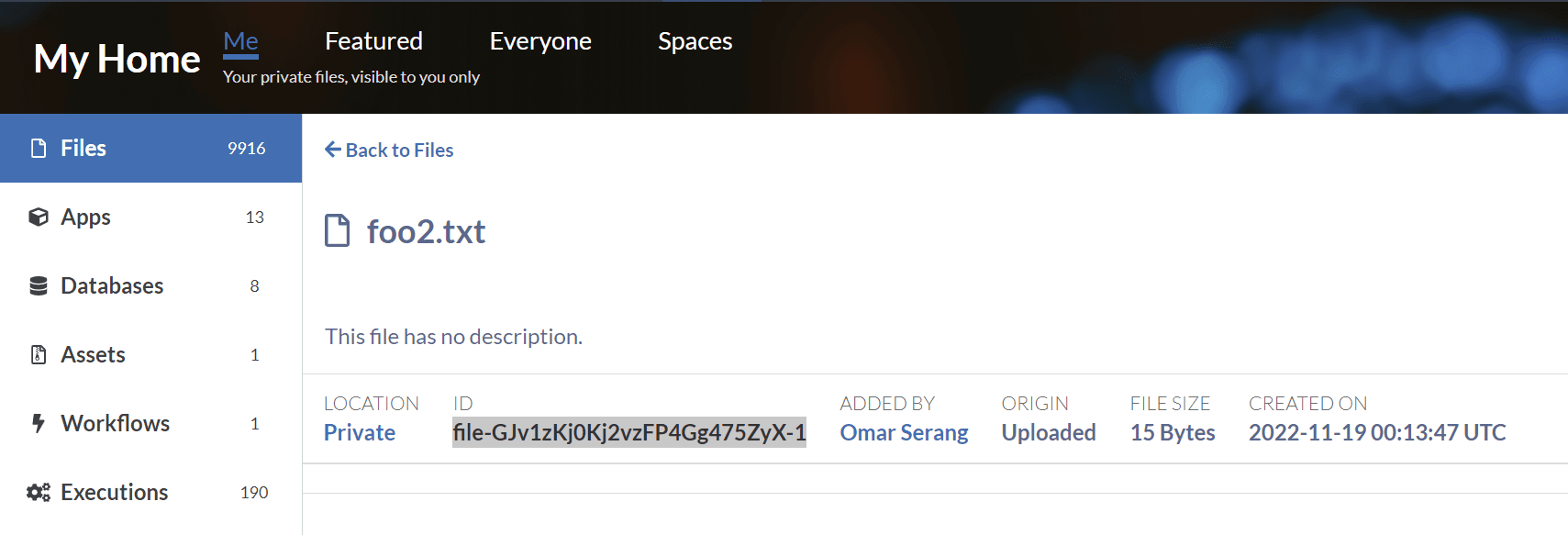
First, copy a file ID to test downloading, and retrieve an authorization key that is required for all file transfers.
Linux
Copy the download URL and install and test uploading and downloading files. First, copy a file ID to test downloading, and retrieve an authorization key that is required for all file transfers.